Vanish privacy receipt
This visit, this tab
- Video bytes uploaded
- 0 B
- Where the fill ran
- This tab
- Account
- None
- Third-party trackers
- None
- Requests sent since page load
- 0
Video sent0 B
Nothing to keep. Nothing to lose.
Press and hold, or hold Space, to show the original footage inside the box.
Runs in your browser. Nothing uploads.Remove date stamps, old logos and your own handle from video you own.
Open a clip, box the mark, check the split, export. The editor runs right here on your machine. There is nothing to install and nothing to sign up for.
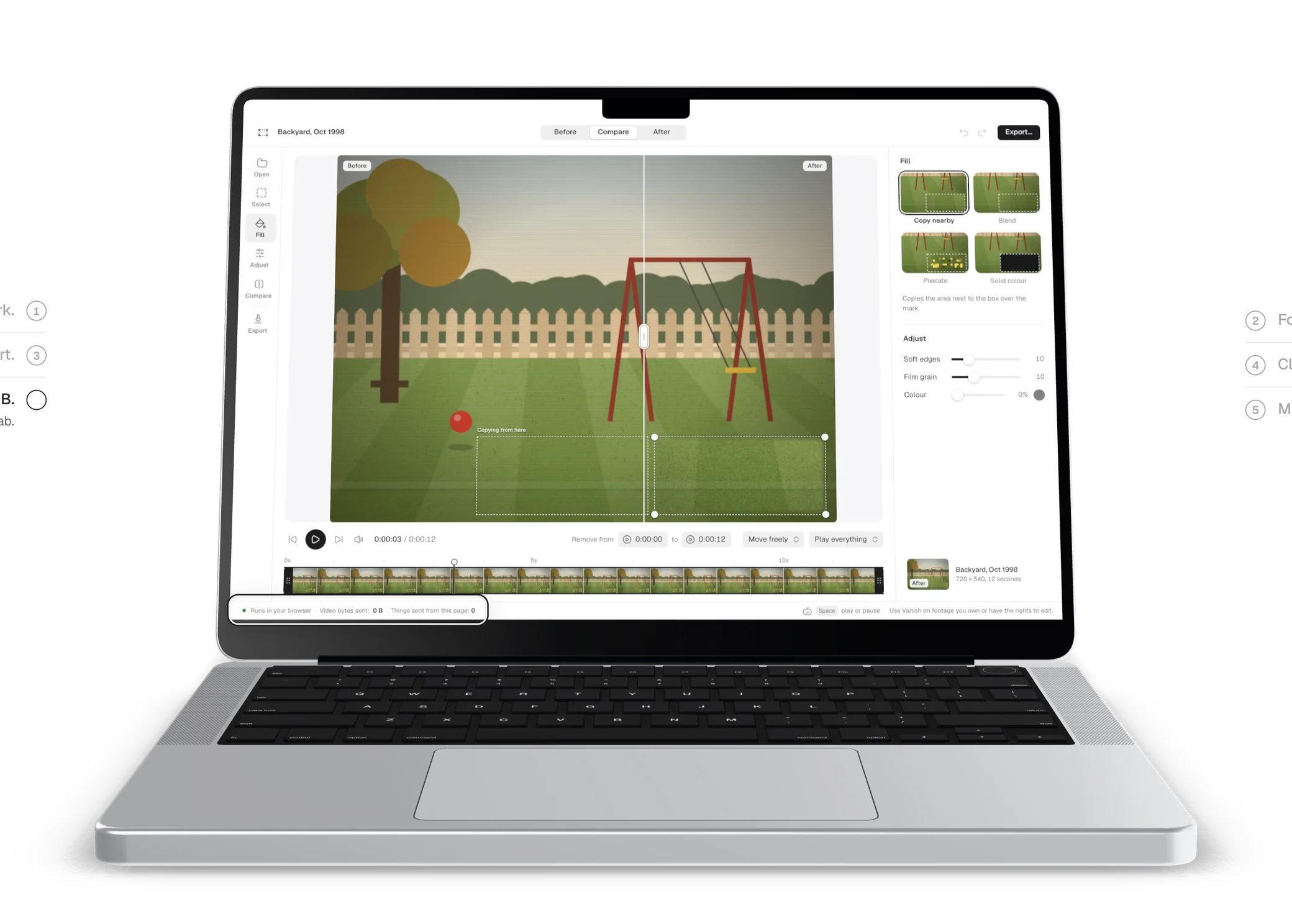
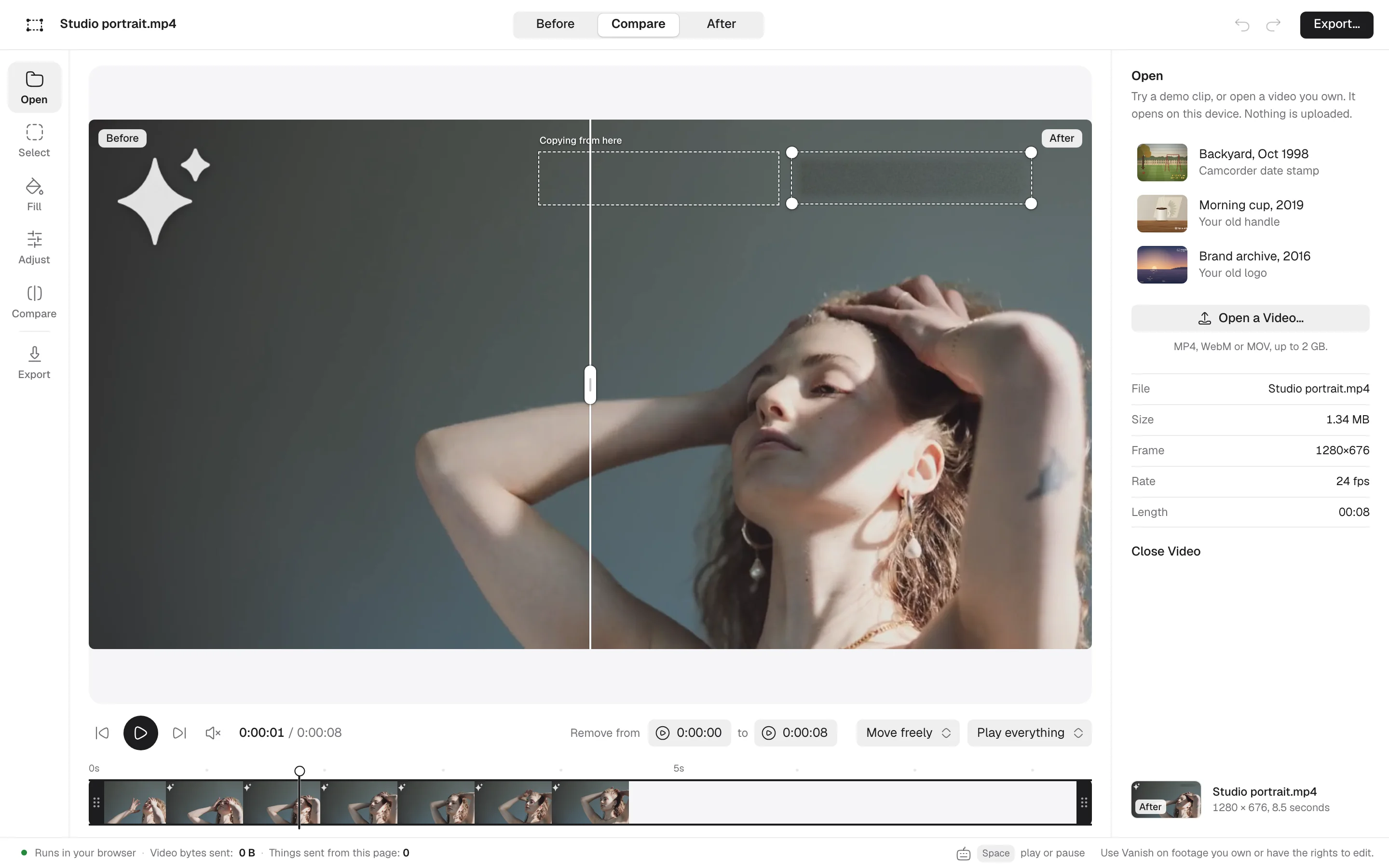
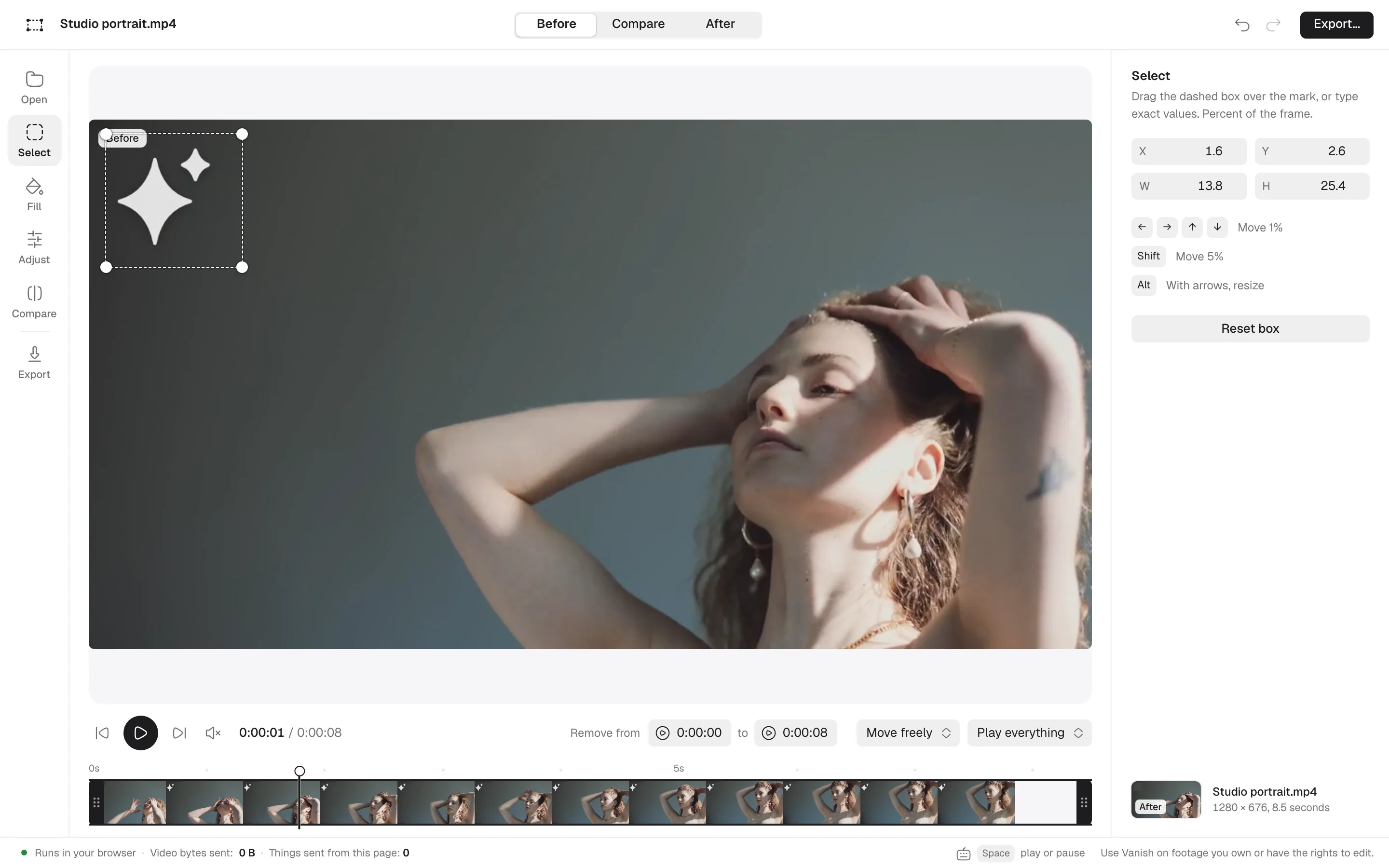
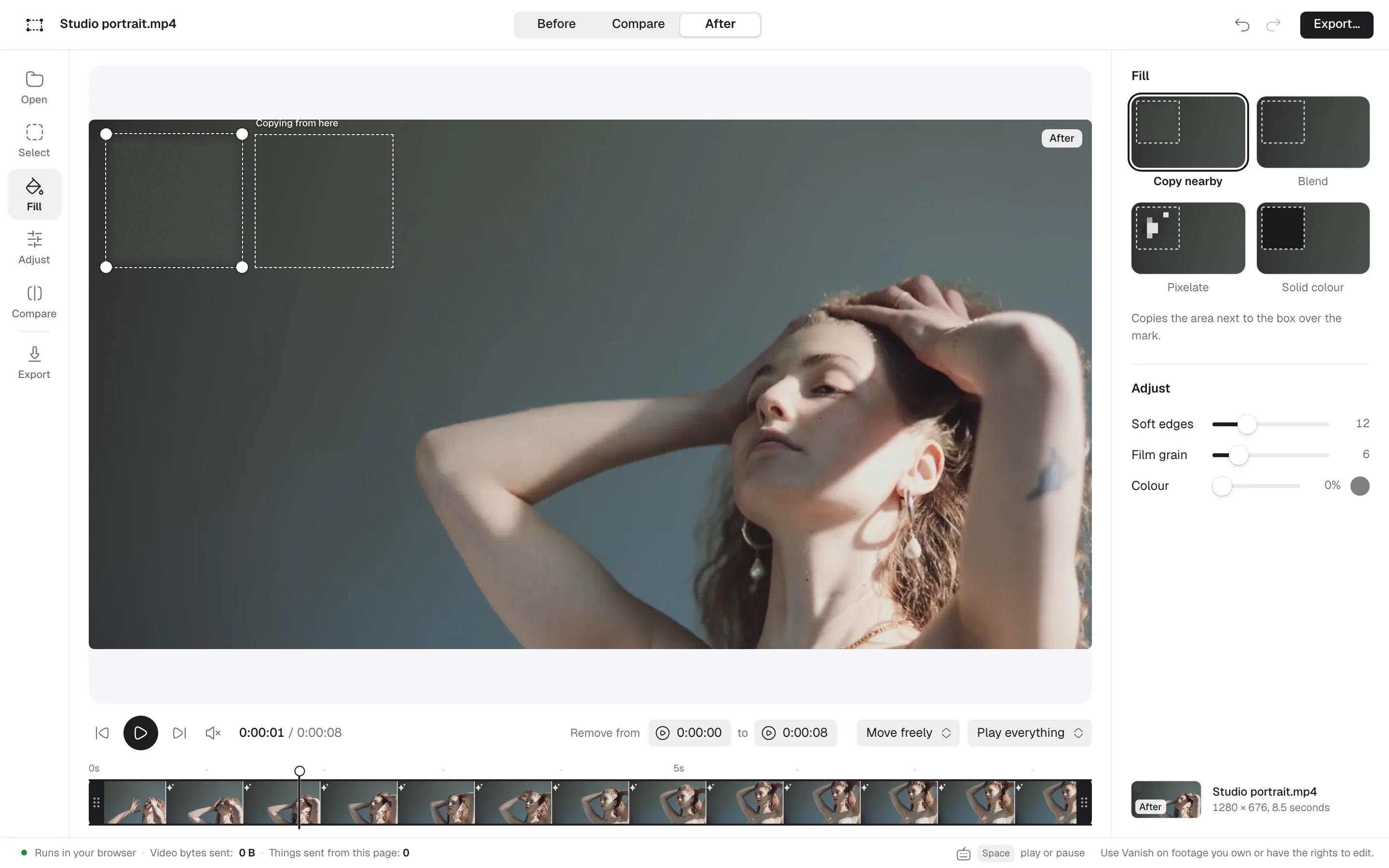
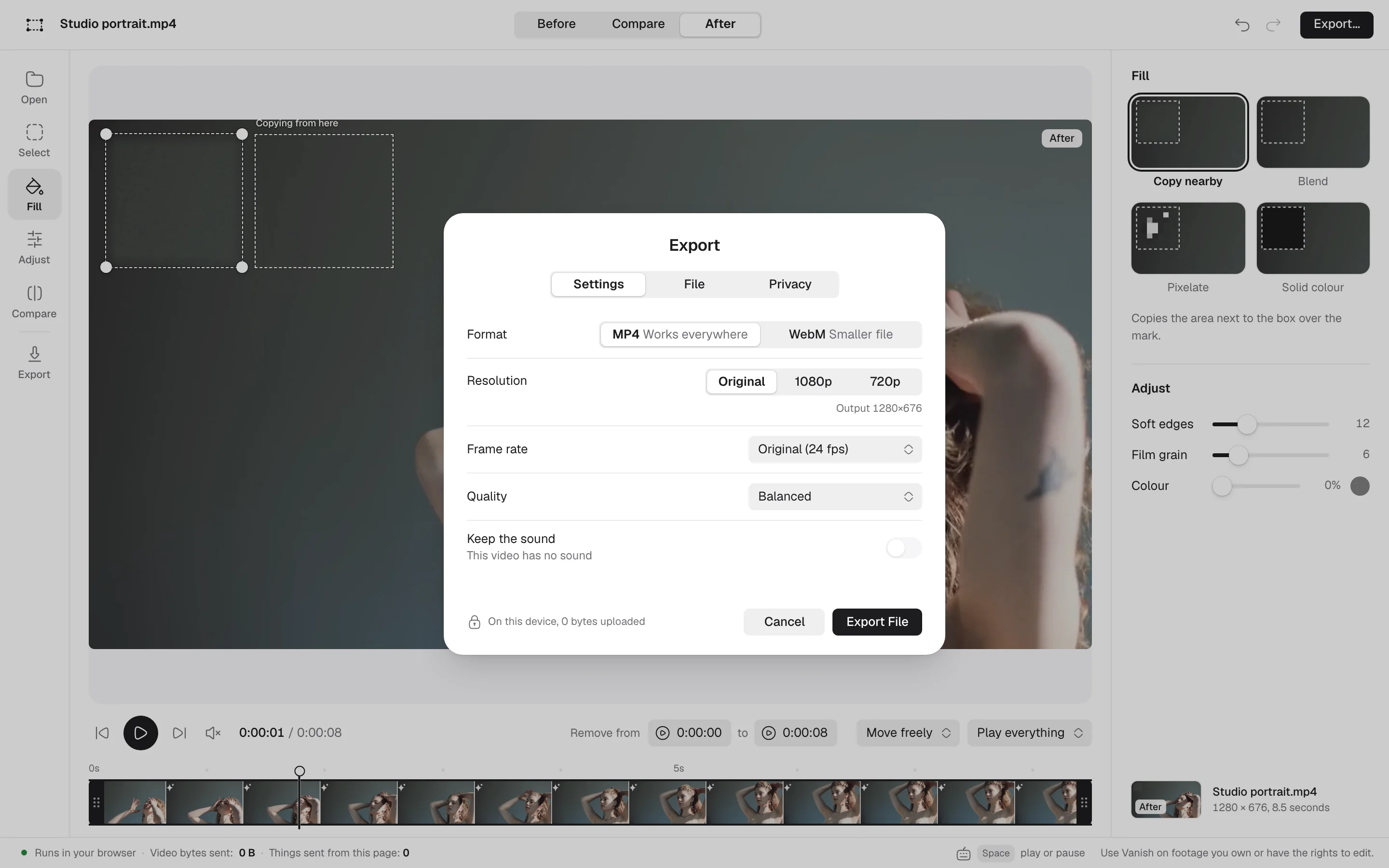
The real editor, running on its own in this tab.
Here is your receipt for this visit, printed by this page from your own browser's records. It keeps counting while you read. The only thing on it is nothing.
Try it: turn off your Wi-Fi. This receipt keeps working, because none of it needs the network.
This visit, this tab
Nothing to keep. Nothing to lose.
All 9 sorted. Vanish is honest about what it can’t do.
The date stamp burned into old camcorder tapes
An old logo on your own back catalogue
Your own handle, before you repost a clip somewhere else
A timestamp from a dashcam or doorbell camera you own
Marks in a static corner over a simple background
If your clip fits this list, a pro editor is the better tool. We’d rather say so.
Choose a video to see which plan it needs. Vanish reads its size, length and resolution right here, and the file never leaves your device.
What it does, what it doesn’t, and where your video goes. Nowhere.
No. Your browser reads the file from your device, and the box, the fill and the export all happen in this tab. We never receive, see or store your video. You can check it yourself: the steps are on the privacy page.
No. Vanish has four fills and none of them is AI. Copy nearby copies a patch from beside the box. Blend pulls the edge colours inward. Pixelate uses large blocks. Solid colour paints one flat colour.
Marks that sit still on footage you own: the date stamp on an old camcorder tape, an old logo on your own back catalogue, your own handle before you repost a clip, or the timestamp from a dashcam or doorbell camera you own.
Marks that move around the frame, marks over faces, text or busy detail, and broadcast work that has to be invisible frame by frame. It is also not for stock footage or anyone else’s video. Licence the clip and the clean file comes with it.
You can open MP4, WebM or MOV. Vanish exports an MP4 with your original sound. Free exports up to 720p and clips up to 2 minutes. Pro exports at the original resolution, takes clips up to 2 GB and can also save WebM.
No. There is nothing to sign up for and no login. Joining the waitlist sends one thing: your email.
Try it on a demo clip, then drop in your own. It all happens on this device.
Use Vanish only on footage you own or have the rights to edit.